Brain Test: Tricky Puzzles2.732.4
Publisher Description
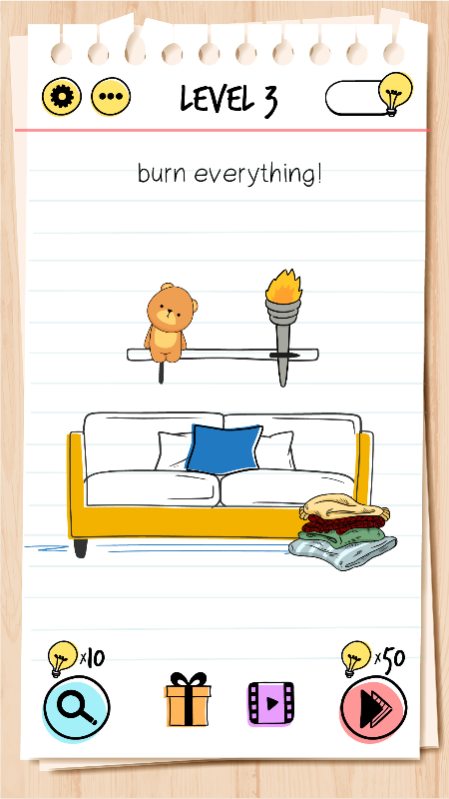
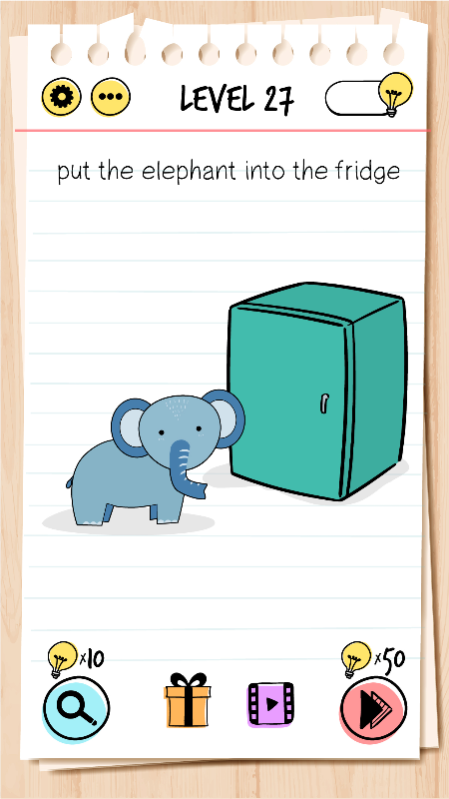
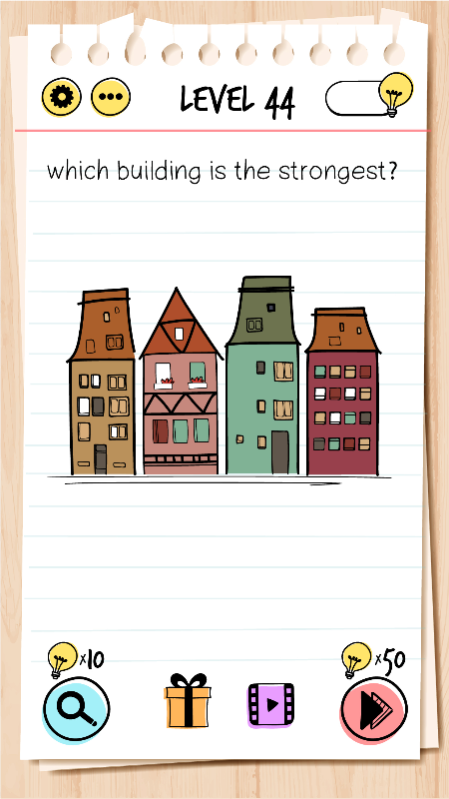
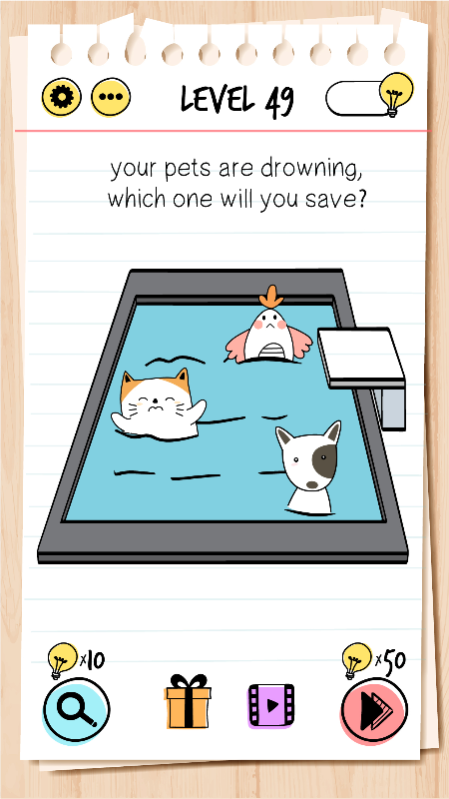
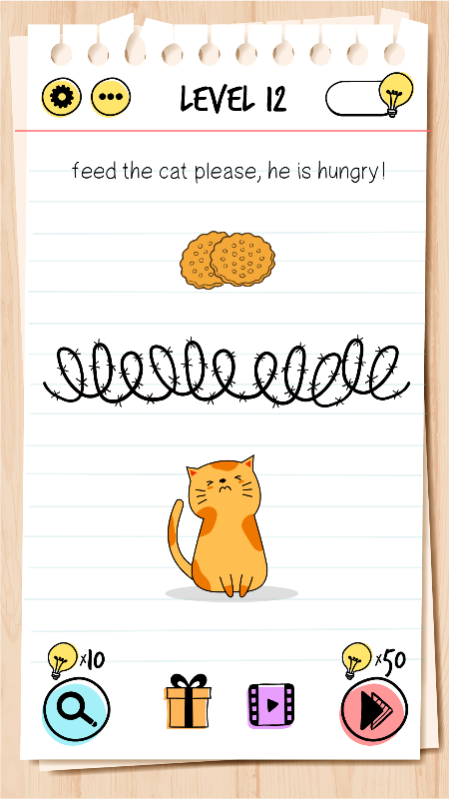
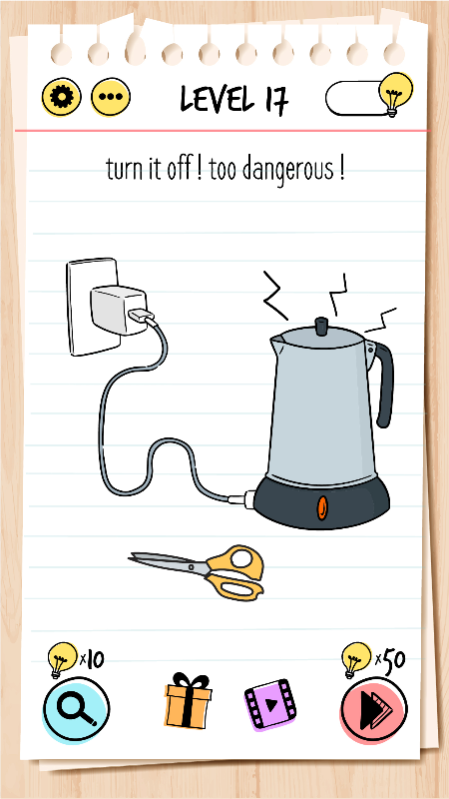
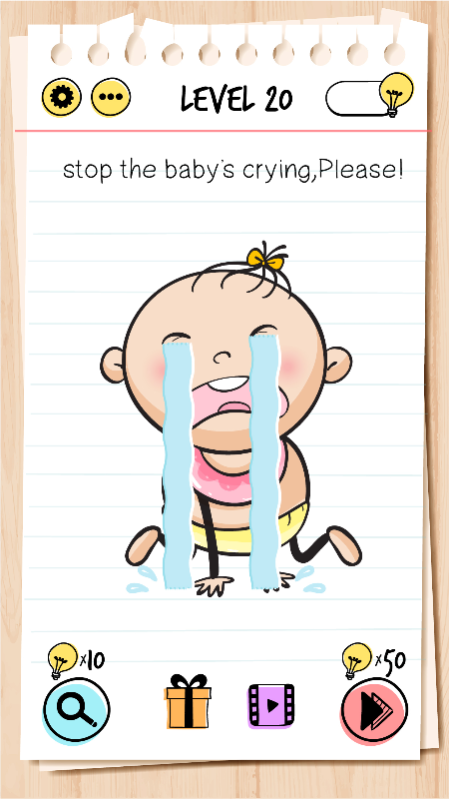
Brain Test is an addictive free tricky puzzle game with a series of tricky brain teasers. Different riddles and tricky tests will challenge your mind. This new puzzle game may break common sense and bring your new brain-pushing experience! You can enjoy yourself with your friends with this addictive and funny free IQ game. Think out of the box, crack the puzzles and get ready to take the quiz! You will enjoy this funny tricky test.
If you are a fan of word games, word search games, puzzles, sudoku puzzles, riddle games or any other quiz games, tricky test Brain Test is your best choice! Much funnier than classic stupid test, moron test, dumb test, idiot test games.
Features:
• Tricky & Mind-blowing Brain Teasers: You will be tricked!
• Unexpected game answers to the great number of quizzes.
• Fun for All Ages: The best trivia game for family & friends’ gatherings!
• Enjoy this impossible quiz.
• Download this funny game for free.
• Endless fun and brain-pushing games.
• Great exercise for the brain.
• Simple and highly addictive game play.
• Great time pass with riddle games.
• Play without the internet.
• Play offline.
Have fun!
About Brain Test: Tricky Puzzles
The company that develops Brain Test: Tricky Puzzles is UNICO STUDIO LLC. The latest version released by its developer is 2.732.4.
To install Brain Test: Tricky Puzzles on your Huawei device, just click the green Continue To App button above to start the installation process. The app is listed on our website since 2022-10-25 and was downloaded 5 times. We have already checked if the download link is safe, however for your own protection we recommend that you scan the downloaded app with your antivirus. Your antivirus may detect the Brain Test: Tricky Puzzles as malware as malware if the download link to C102634439 is broken.
How to install Brain Test: Tricky Puzzles on your Huawei device:
- Click on the Continue To App button on our website. This will redirect you to Huawei Store.
- Once the Brain Test: Tricky Puzzles is shown in the Huawei Store listing of your Huawei device, you can start its download and installation. Tap on the Install button located below the search bar and to the right of the app icon.
- A pop-up window with the permissions required by Brain Test: Tricky Puzzles will be shown. Click on Accept to continue the process.
- Brain Test: Tricky Puzzles will be downloaded onto your device, displaying a progress. Once the download completes, the installation will start and you'll get a notification after the installation is finished.
